Kotlin's trimStart and trimEnd: A clever solution to count collisions
tl;dr: discovering how Kotlin's string trimming functions can turn a complex simulation into a one-liner
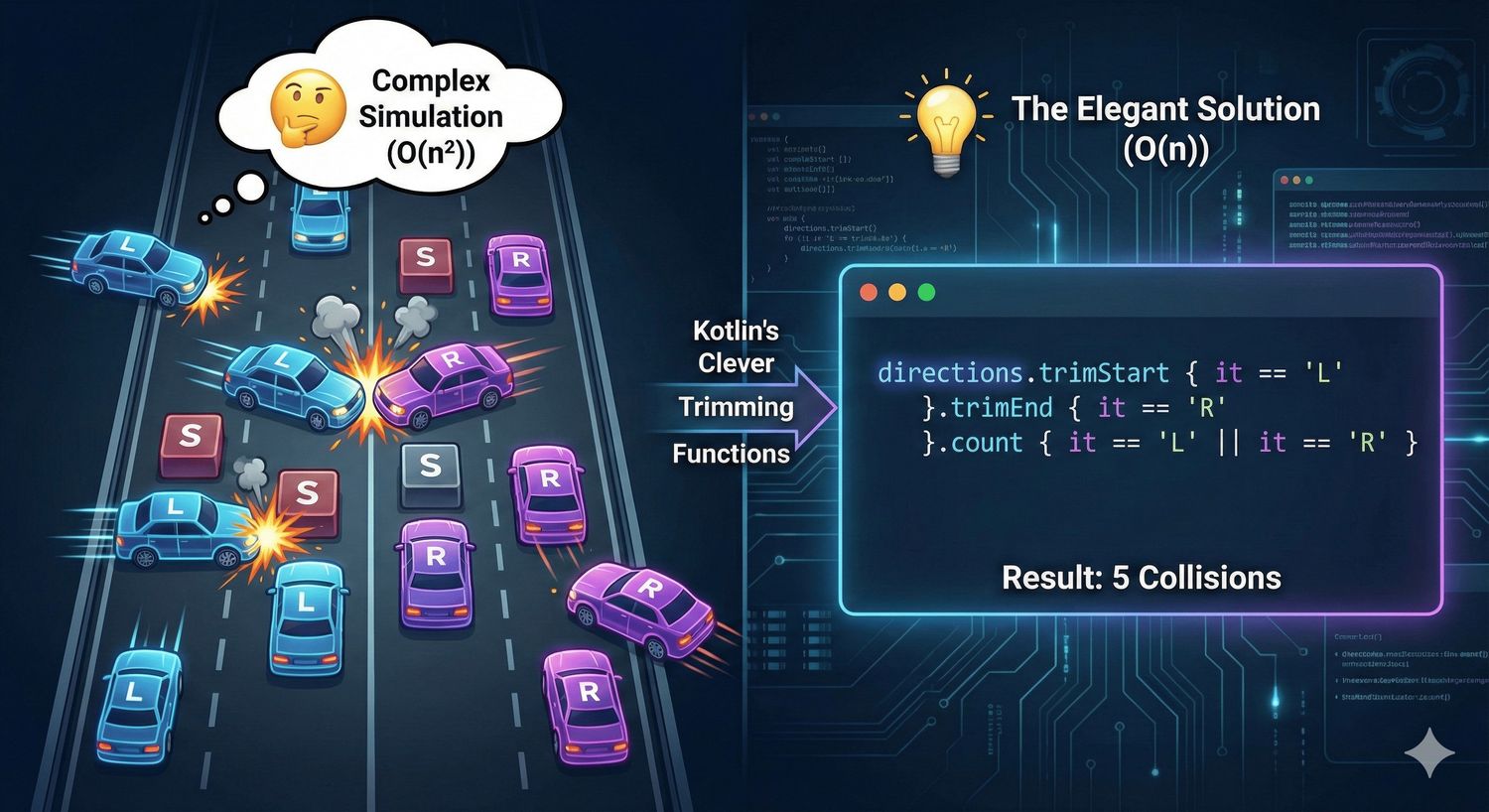
🧩 The Problem: Count Collisions on a Road
Today’s LeetCode daily challenge is 2211. Count Collisions on a Road. At first glance, it seems like we need to simulate cars moving and colliding on a road — tracking positions, handling chain reactions, and managing state changes. But with a bit of insight and Kotlin’s elegant string functions, we can solve this in just two lines.
The problem gives us a string where each character represents a car:
'L'— moving left'R'— moving right'S'— stationary
When cars collide (opposite directions or moving into stationary), they stop and add to the collision count.
🤔 The Naive Approach: Simulation
My first instinct was to simulate the entire process:
- Track each car’s position and direction
- Move cars step by step
- Detect collisions and update states
- Count collisions as they happen
This would work, but the time complexity could be O(n²) or worse with all the state management. For strings up to 10⁵ characters, we need something smarter.
💡 The Key Insight: Who Actually Collides?
Here’s the breakthrough moment: not all cars will collide.
Think about it:
- Cars moving left at the leftmost positions will simply drive off the road — they’ll never hit anything
- Cars moving right at the rightmost positions will also escape — nothing to collide with
Everything else? They’re trapped. Any car that’s:
- Moving right with something to its right (stationary or left-moving)
- Moving left with something to its left (stationary or right-moving)
- Stationary (can be hit by others)
These cars will eventually collide and become stationary.
So the answer is simply: count all ‘L’ and ‘R’ characters, minus the ones that escape.
✨ Enter trimStart and trimEnd
Kotlin’s String class has two beautiful functions that solve exactly this:
trimStart { predicate }— removes characters from the beginning while the predicate is truetrimEnd { predicate }— removes characters from the end while the predicate is true
We can use these to “remove” the escaping cars:
Let’s trace through Example 1 ("RLRSLL"):
trimStart { it == 'L' }— no leading L’s, string unchanged:"RLRSLL"trimEnd { it == 'R' }— no trailing R’s, string unchanged:"RLRSLL"- Count ‘L’ or ‘R’: R, L, R, L, L = 5 collisions ✅
And Example 2 ("LLRR"):
trimStart { it == 'L' }— removes “LL”:"RR"trimEnd { it == 'R' }— removes “RR”:""- Count ‘L’ or ‘R’: 0 collisions ✅
🔍 Why This Works
The elegance lies in understanding the physics:
- Leading L’s escape: Cars at the front moving left have nothing to hit — they’re gone
- Trailing R’s escape: Cars at the back moving right have nothing to hit — they’re gone
- Everyone else collides: Once we remove the escapees, every remaining ‘L’ or ‘R’ represents exactly one collision
Each collision adds 1 to our count because:
- When two cars collide head-on (R meets L), that’s 2 collisions — and we count both the R and the L
- When a moving car hits a stationary one, that’s 1 collision — and we count just the moving car
The ‘S’ characters don’t contribute to the collision count directly — they’re already stationary. They act as “blockers” that cause other cars to collide.
💡 What I Learned
Today I discovered two Kotlin functions I hadn’t used before:
trimStart { predicate }— Liketrim()but only at the start, and with a custom conditiontrimEnd { predicate }— Same idea, but at the end
These are incredibly useful for problems where you need to strip elements from the edges of a string based on some condition. They’re O(n) and don’t create intermediate strings until the final result.
Other similar Kotlin functions worth knowing:
trim { predicate }— trims from both endsdropWhile { predicate }— similar to trimStart but works on any IterabledropLastWhile { predicate }— similar to trimEnd
⏳ Time Complexity Analysis
trimStart→ O(n) — single pass from starttrimEnd→ O(n) — single pass from endcount→ O(n) — single pass through trimmed string- Overall: O(n) with O(n) space for the trimmed string
This is optimal — we can’t do better than linear time since we need to look at each character at least once.
🧠 Key Takeaways
- Think before you simulate: Many simulation problems have mathematical shortcuts
- Edge behavior matters: Understanding what happens at boundaries often reveals the solution
- Kotlin’s stdlib is rich: Functions like
trimStartandtrimEndcan replace entire algorithms - Elegance is efficiency: This two-liner is both readable AND optimal
Sometimes the best code isn’t about complex algorithms — it’s about finding the right abstraction that makes the problem trivial.